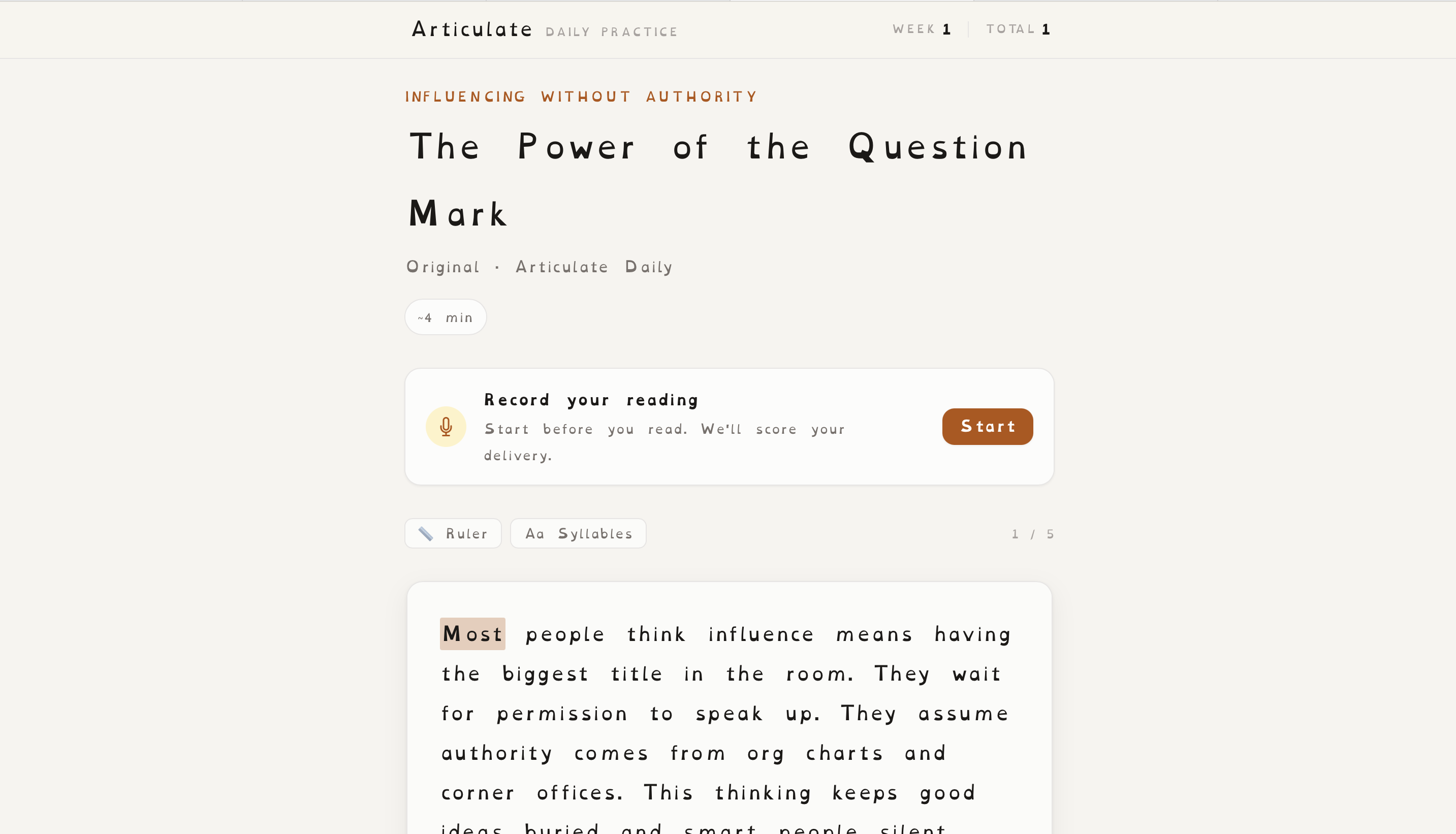
A daily speech-practice app that generates personalised reading passages, lets users record themselves, and returns feedback on accuracy, fluency, and pace.
The idea started with a piece of career advice from a senior engineering manager: strong technical people still need to communicate differently with customers, engineers, and executives.
I wanted a way to practise that skill deliberately rather than wait for a high-stakes meeting to discover where I struggled.
The problem I chose to explore was simple: how do you turn communication practice into a repeatable daily habit that gives useful feedback, not just more content to read?
I built Articulate end to end, including the personalised passage generator, recording and transcription flow, speech feedback, PWA behaviour and dyslexia-friendly reading experience.
The user
Articulate is designed for professionals who want to become more confident and deliberate speakers, especially when communicating in work settings.
The experience assumes the user does not need a generic public-speaking course. They need short, relevant practice tied to their own role, goals, and the kinds of people they want to communicate with more effectively.
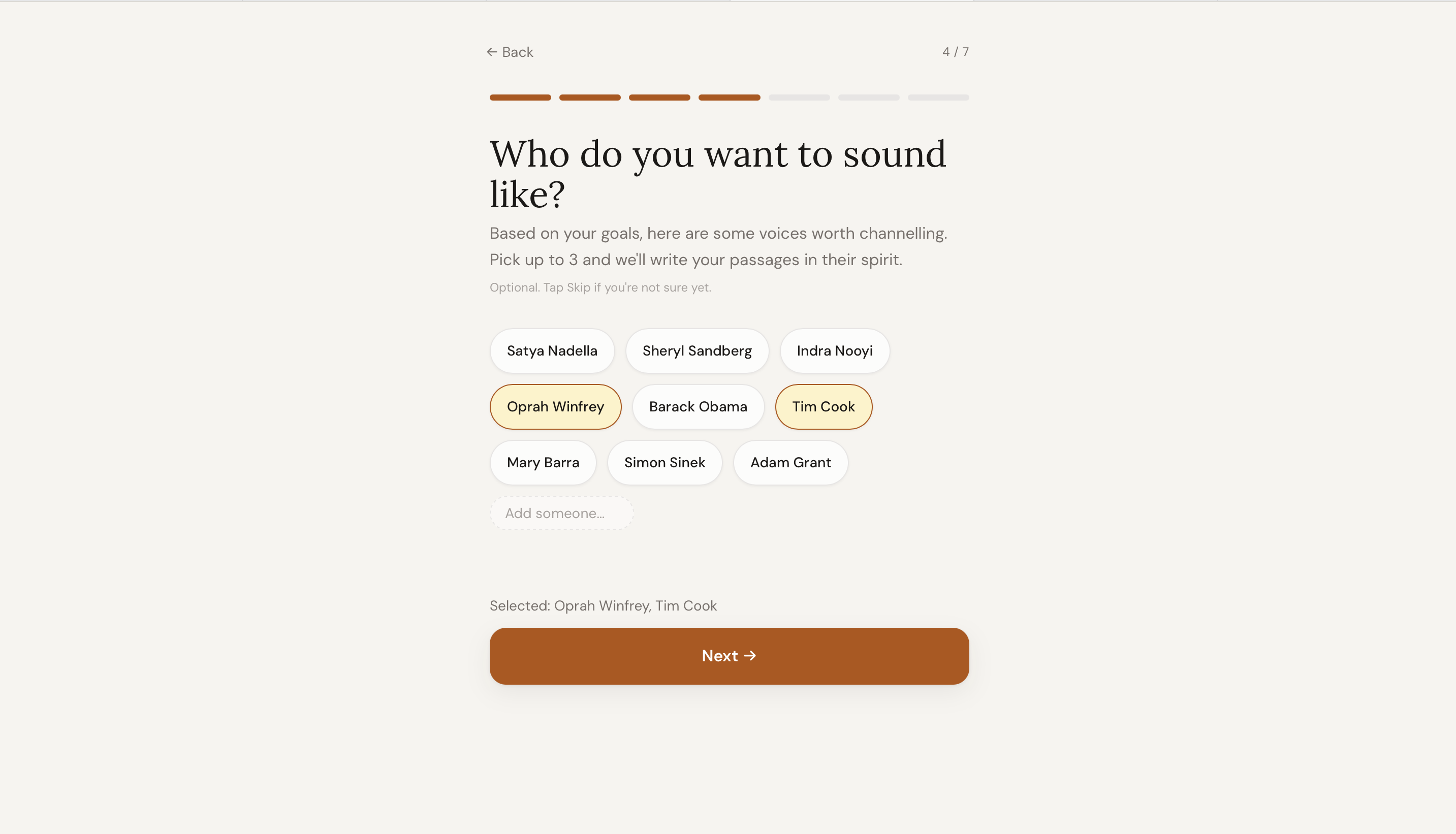
That is why the app personalises passages around job title, industry, goals, focus areas, and speakers the user admires.
What I learned from the problem
Practice has to feel relevant. A random passage is easy to ignore. Content tied to a user's actual work makes the habit more purposeful.
Feedback needs to be specific. A score on its own does not tell someone what to improve, so the experience combines scoring with constructive feedback on delivery.
Accessibility cannot be cosmetic. While testing, I noticed someone struggling to read the content. That changed the project from adding an optional font to redesigning the reading experience itself.
Workflow in practice
01
Start with the speaker, not a generic exercise
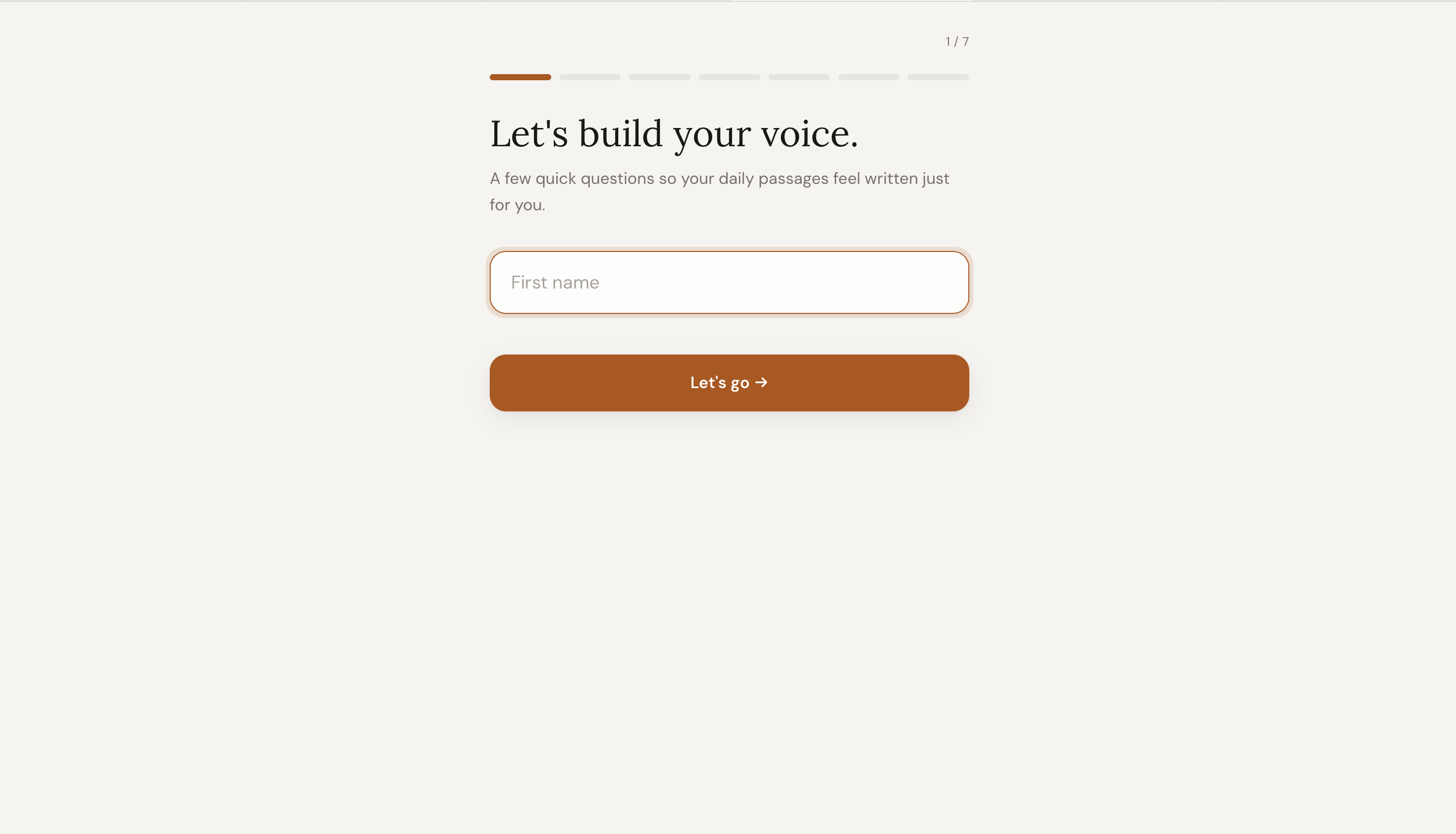
Onboarding captures the user’s role, industry and communication goals. Those inputs shape the passages Claude generates, so practice reflects situations the user is likely to encounter.
Personal context makes each daily passage more relevant.
Users select focus areas such as pace, clarity or confidence. The product uses those choices to guide both generated content and the feedback returned after each attempt.
Practice priorities remain explicit rather than hidden inside the prompt.
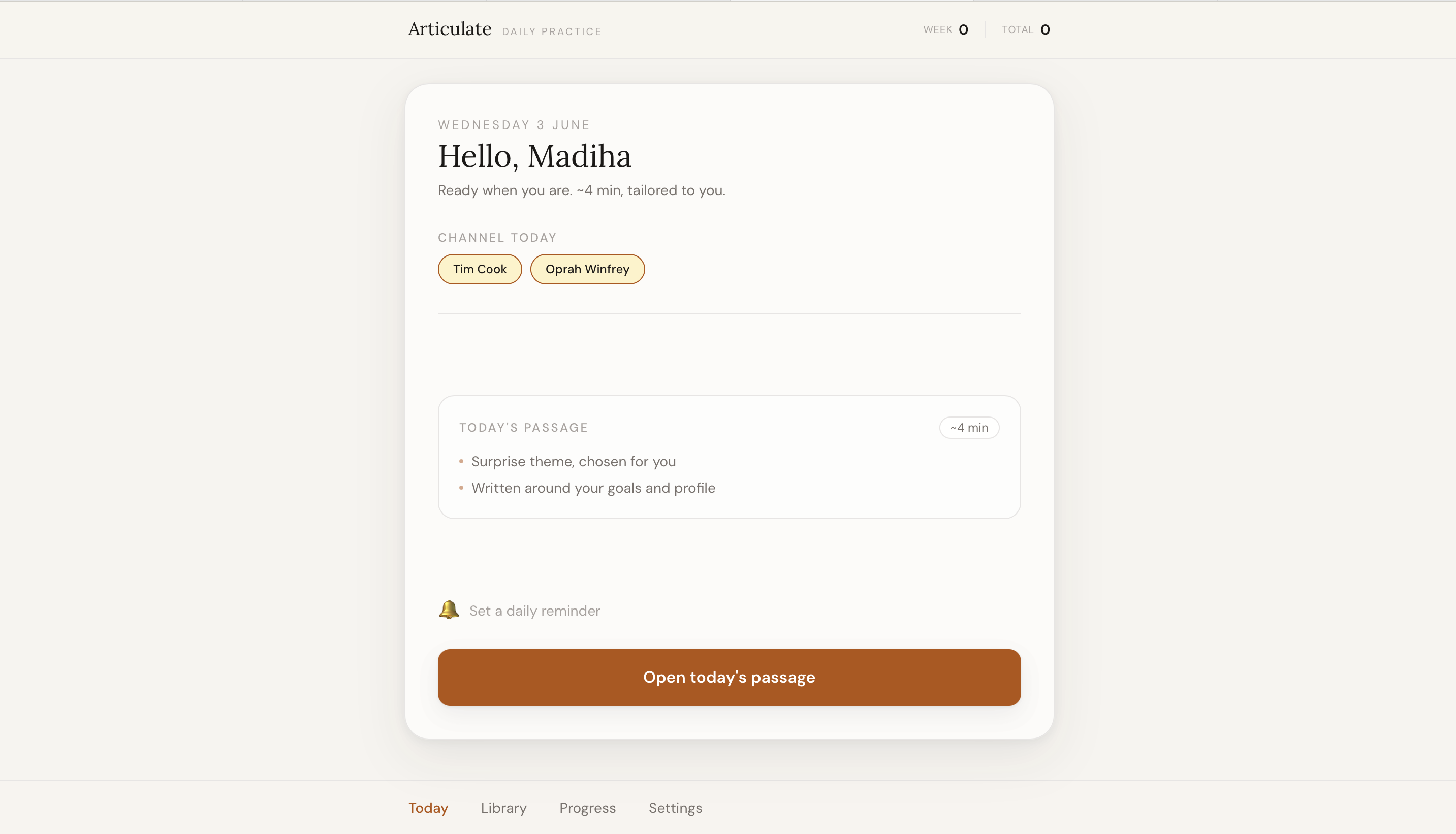
The home view presents one clear next action alongside streaks, favourites and progress. The product is designed as a repeatable habit rather than a one-off AI generation tool.
A focused daily entry point reduces the effort required to begin.
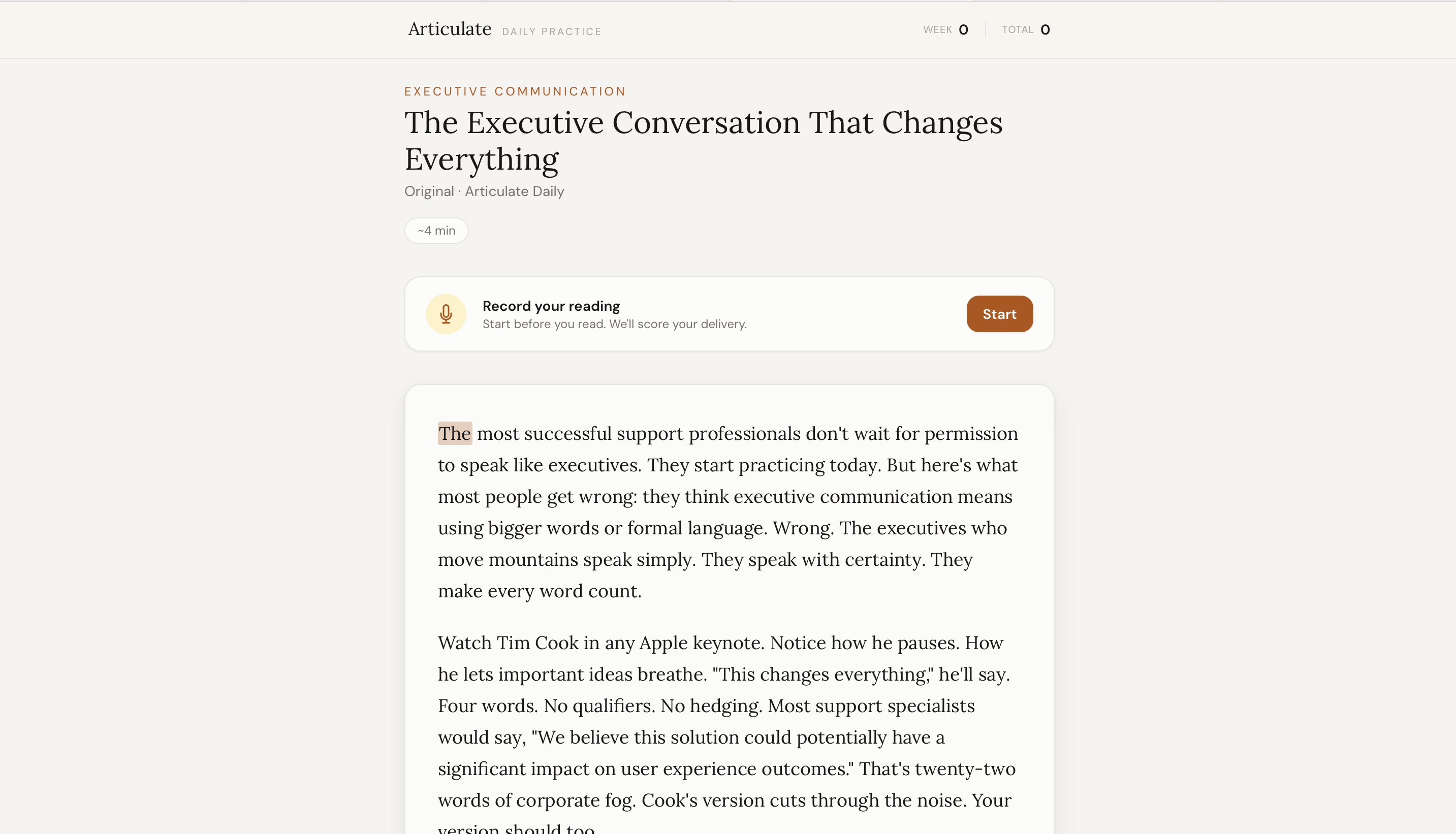
The user reads a personalised passage aloud while browser speech recognition captures the attempt. Articulate compares the transcript with the source and returns feedback on accuracy, fluency and pace.
The AI-generated passage feeds directly into an observable practice loop.
Dyslexia mode adds an OpenDyslexic font, reading ruler, paragraph focus, word highlighting and syllable support. It also changes generation towards shorter sentences and simpler vocabulary.
Accessibility is treated as a content decision as well as a visual setting.
Why personalise the passage? The product is trying to build a habit. Relevant content gives the user a stronger reason to practise than a generic reading exercise.
Why score more than accuracy? Reading every word correctly is only one part of effective delivery. Fluency and pace make the feedback closer to how speech actually feels to a listener.
Why use the Web Speech API? It allowed the recording experience to provide real-time transcription in the browser and connect directly into the scoring loop.
Why redesign accessibility instead of adding a toggle? The reading experience itself was the product. If the content remained difficult to process, changing the font alone would not solve the user's problem.
The outcome
Articulate became a deployed full-stack PWA rather than a static prototype.
A user can create a personalised profile, receive a fresh passage, record themselves, get feedback on delivery, save passages, build a streak, choose between two daily flows, use optional reminders, and switch into a reading experience designed for dyslexic users.
The strongest outcome for me was not the number of features. It was seeing the product evolve because of a real usability observation and then changing both the interface and AI-generated content around that insight.
If I were evaluating it with real users, I would measure:
Daily return rateCompleted practice sessionsStreak retentionFeedback usefulnessAccessibility mode completion rate
Reflection
I started Articulate as a way to practise communication more deliberately. The project became more interesting once I stopped thinking only about the AI generation and started thinking about the whole user habit.
The biggest shift was the accessibility work. It reminded me that a feature can technically exist and still fail the person it is meant to help.
If I continued the product, I would spend more time testing the scoring feedback and daily habit loop with real users before adding more features. I would want to know whether the feedback actually changes how people speak over time, not simply whether they enjoy the interface.
Features that matter
Personalised AI passages
Fresh daily passages shaped by the user's role, goals, industry, focus areas, and speaking influences.
Delivery feedback
Recording and transcription feed into feedback on accuracy, fluency, and pace.
Dyslexia-friendly mode
One-paragraph reading, ruler support, live highlighting, syllable breaks, OpenDyslexic, and simpler generated content.
Habit-building loop
Streaks, favourites, optional reminders, and two daily flows support repeated practice rather than one-off use.
Tech stack
Re
React 18
Frontend with Vite and Tailwind CSS
No
Node.js + Express
Backend API server
AI
Anthropic Claude
Passage generation and speech feedback
WS
Web Speech API
Real-time speech recognition
PW
PWA
Service worker, offline support, and notifications
Rw
Railway + Docker
Deployment and hosting
Cu
Cursor + Claude Code
AI-assisted development workflow
Try it yourself
The app is live. Set up a profile, generate a passage, record a practice attempt, and explore the accessibility mode.
I am interested in Support Operations and Product Operations roles where I can build and improve the systems that turn customer evidence, recurring issues and product signals into action across Support, Product and Engineering.